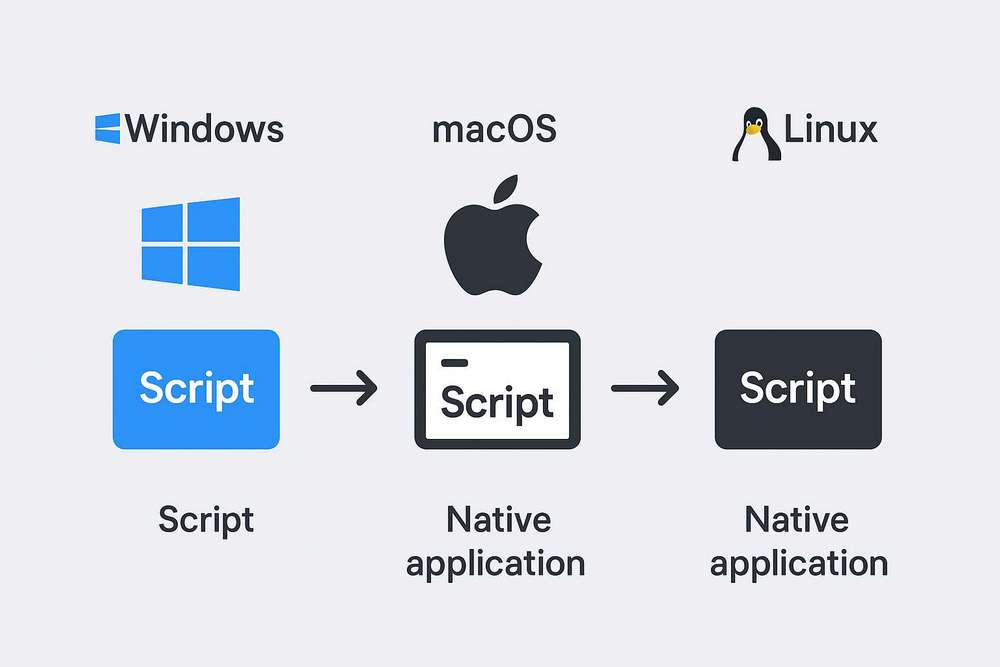
与图形界面应用相比,命令行脚本(Shell、PowerShell、Batch、Python、Node.js 等))相对灵活、可组合性较强,很适合自动化、批处理任务。但对普通用户来说,命令行工具往往过于“硬核”。对普通用户,更合理的交付方式是将脚本封装成原生应用,只需要双击图标即可运行,无需打开终端。
汇总一下Windows/macOS/Linux将命令行脚本打包为原生应用的工具。
macOS
Platypus
http://sveinbjorn.org/platypus
将各种命令行脚本打包成原生 macOS 应用的工具。
Platypus 让不熟悉 Shell 界面的用户也能轻松共享脚本和命令行程序。只需点击几下即可创建原生、用户友好的应用程序。使用 Platypus 可以轻松创建安装程序、Droplet、管理应用程序、登录项、状态菜单项、启动器和自动化程序。
PyInstaller/Py2App
https://github.com/pyinstaller/pyinstaller
https://github.com/ronaldoussoren/py2app
将Python的.py文件打包成独立.app
Automator
macOS 自带,可以将Shell脚本封装为.app原生应用,但功能相对于Platypus弱很多
Windows
Inno Setup/NSIS
https://jrsoftware.org/isinfo.php
专业安装包工具,支持将命令行打包为安装包
AutoHotkey/AutoIt
支持封装命令行工具,并附加 GUI 界面,生成 .exe 应用
BatchToApp
https://github.com/DosX-dev/BatchToApp
将批处理脚本( .bat / .cmd ) 打包并混淆到 Windows 应用程序( .exe )中
Bat To Exe Converter
https://www.f2ko.de/en/applications/bat-to-exe-converter/
https://github.com/l-urk/Bat-To-Exe-Converter-64-Bit
把 .bat 或 .cmd 脚本直接打包为 .exe 文件
PS2EXE
https://github.com/MScholtes/PS2EXE
将 PowerShell 脚本 (.ps1) 转换为 .exe,支持参数传递和窗口模式。
PyInstaller
https://github.com/pyinstaller/pyinstaller
将 Python 脚本打包成独立 .exe 文件,支持跨平台打包。可以处理依赖库,并可选添加图标或简单界面
Auto PY to EXE
https://github.com/brentvollebregt/auto-py-to-exe
PyInstaller 的 GUI 界面版本,便于可视化操作,将 .py 转换为 .exe
Linux
AppImage/Flatpak/Snap
https://github.com/appimage/appimagekit/wiki/similar-projects